

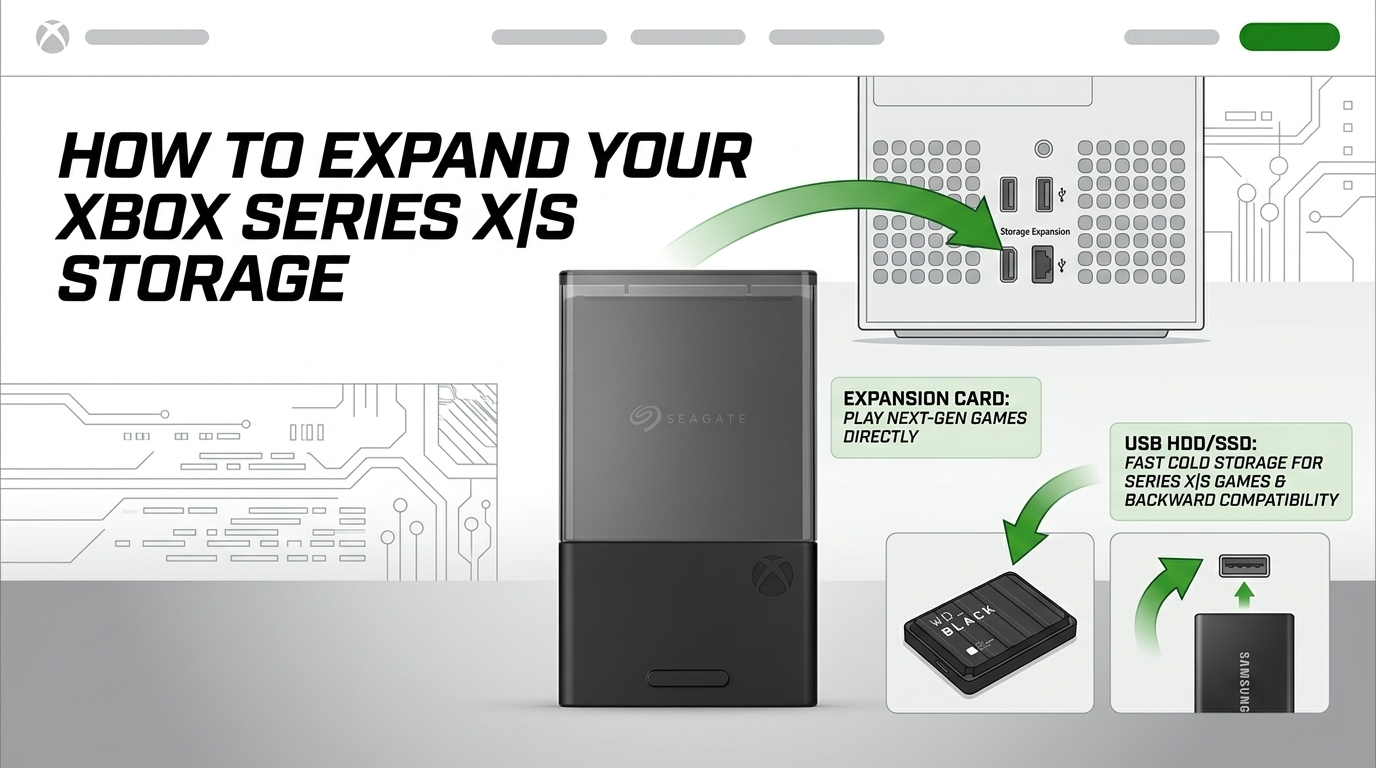
Let’s face it: modern Xbox games are growing in their download sizes and often larger titles with lots of assets are closer to 100GB. Between Call of Duty taking up a massive chunk of space and Flight Simulator pushing your system to its limits, that internal drive fills up fast on Xbox Series X|S. If you own a standard Xbox Series S, you only get about 364GB of usable space out of the box. Even the 1TB on the Series X disappears before you know it.
You need more storage, but if you buy the wrong kind of drive, you’re going to end up frustrated. Microsoft designed these consoles with a very specific, high-speed storage architecture.
If you want to expand your storage without losing the ability to actually play your next-gen games, here is exactly what you need to know.
The Golden Rule of Xbox Series X|S Storage
Before buying anything, you must understand the difference between Current-Gen (Optimized for Xbox Series X|S) games and Legacy (Xbox One, Xbox 360, and original Xbox) games.
-
Xbox Series X|S games require lightning-fast speeds to run. They utilise the console’s internal “Velocity Architecture.” Because of this, they can only be played from the internal SSD or official Expansion Cards.
-
Legacy games (Xbox One and older) do not require these extreme speeds. They can be stored and played directly from any standard external USB hard drive or SSD.
The Quick Workaround: You can store Series X|S games on a cheap external USB drive to save space, but you cannot play them from there. To play them, you have to copy them back to your internal drive first.
Option 1: Official Expansion Cards (Best for Series X|S Games)
If you want seamless storage where you can download, store, and play modern Series X|S games without ever worrying about transferring files back and forth, you need an official Expansion Card. These slot directly into the dedicated “Storage Expansion” port on the back of your console.
There are only two officially licensed options on the market that match the internal SSD speed perfectly:
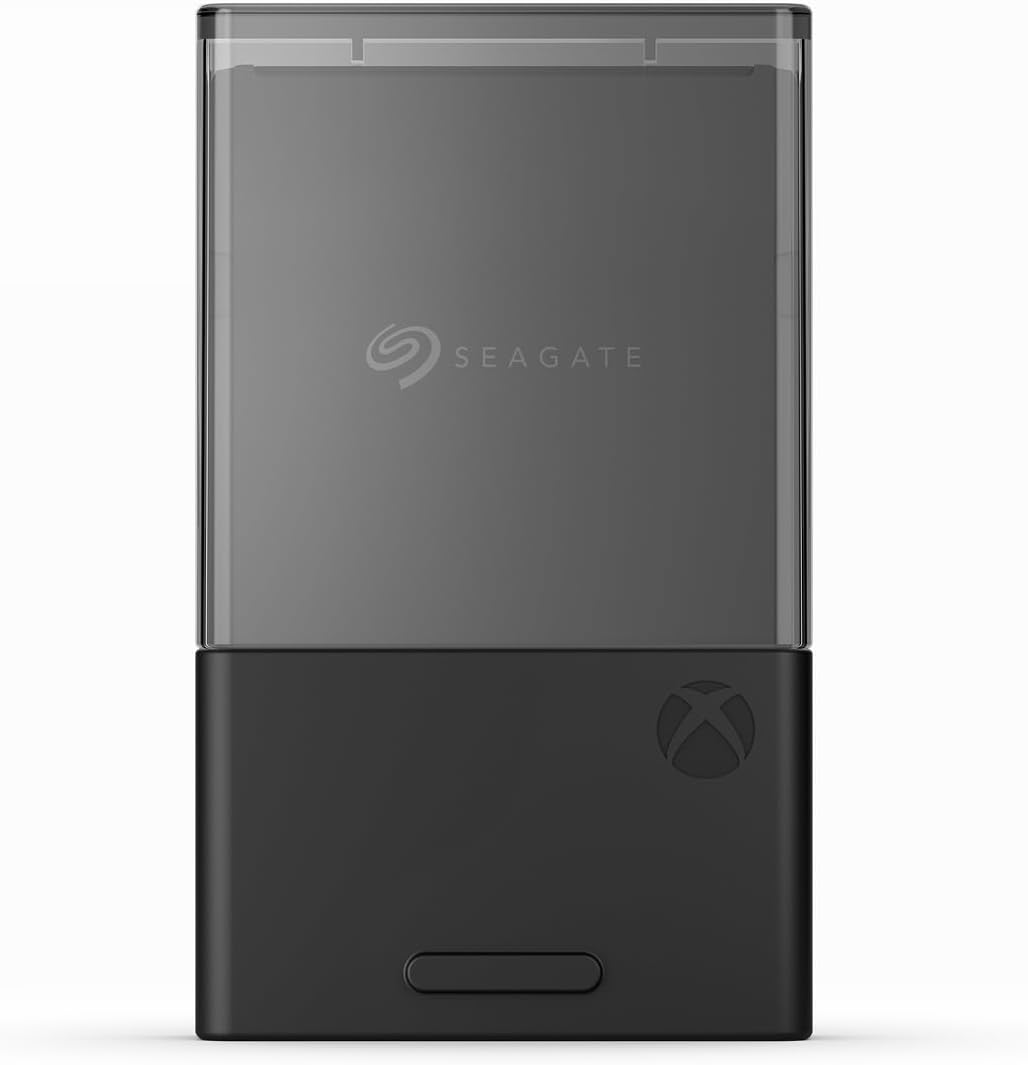
Seagate Storage Expansion Card
The original and most reliable expansion card. It mirrors the console’s internal velocity architecture perfectly, meaning you get zero drop-off in performance, loading times, or Quick Resume functionality. It’s completely plug-and-play.
-
Available sizes: 512GB, 1TB, 2TB
View the Seagate Storage Expansion Cards
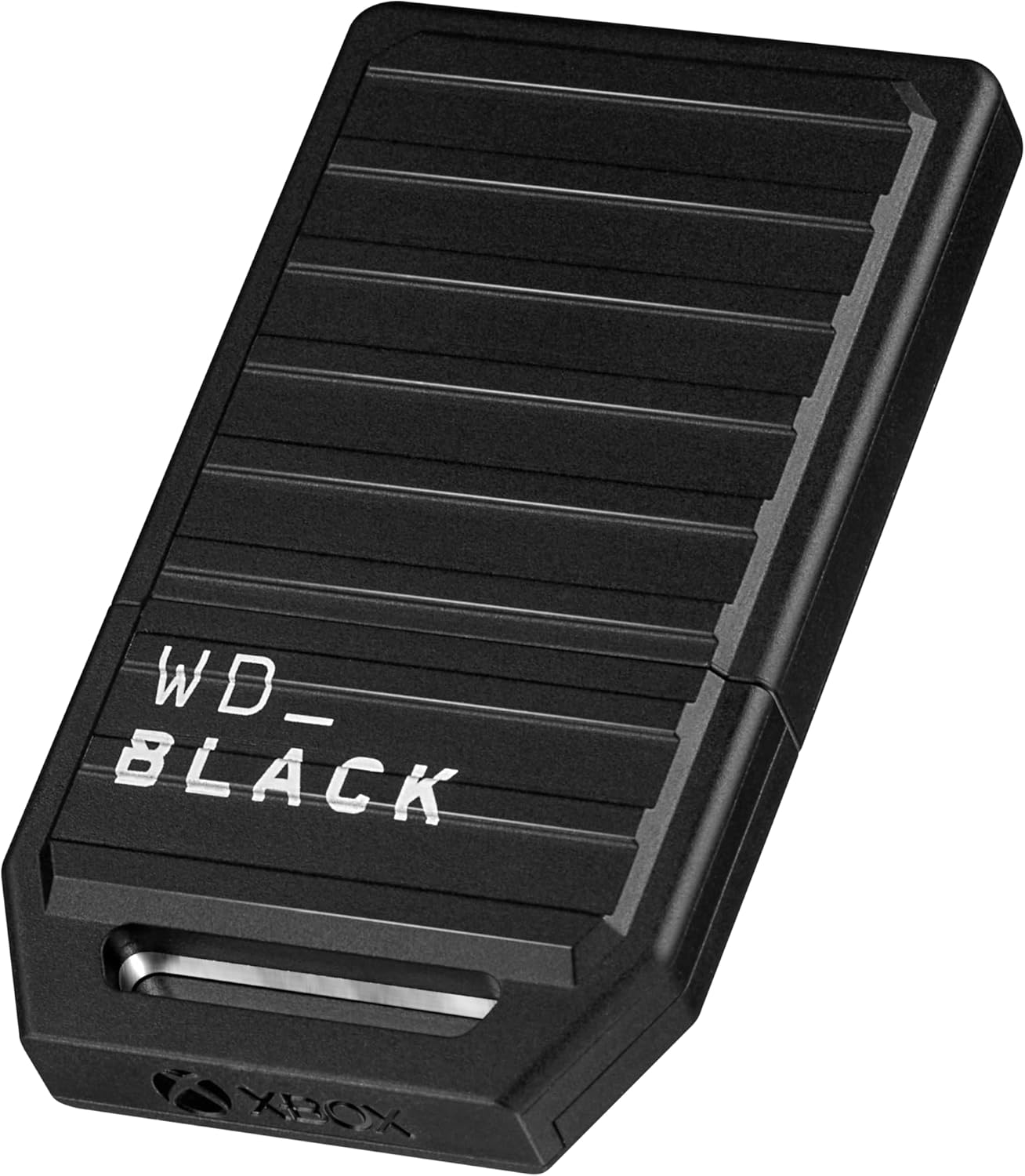
Western Digital C50 Expansion Card
WD Black entered the game to give Seagate some much-needed competition. The C50 offers the exact same performance and features as the Seagate card, but it often runs slightly cheaper depending on current sales. It features a cool, rugged tactical aesthetic.
-
Available sizes: 512GB, 1TB
View Western Digital C50 Expansion Cards
Option 2: External USB Drives (Best for Budget & Back-Compat)
If you have a massive library of older Xbox One or Xbox 360 games, or if you don’t mind manually moving your Series X|S games back and forth to save cash, a standard external USB drive is the most cost-effective route.
For the best experience, look for a drive that supports USB 3.0 or higher.
The Fast Route: External Portable SSDs
An external solid-state drive (SSD) won’t let you play Series X|S games, but it will load your older Xbox One games incredibly fast. It also transfers Series X|S games back and forth to your internal storage in just a few minutes (compared to the much slower speeds of a traditional hard drive).
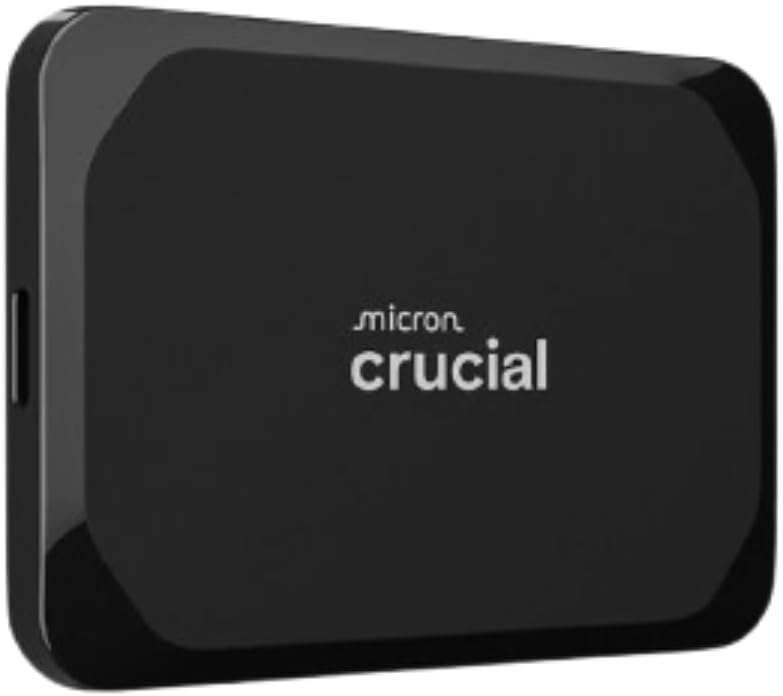
- Top Pick: Samsung T7 Portable SSD or Crucial X9.
The Massive Capacity Route: External HDDs
If you just want the absolute most gigabytes for your buck, a traditional mechanical Hard Disk Drive (HDD) is the answer. You can easily find a 2TB or 4TB drive for a fraction of the cost of an expansion card. It’s slow for transferring files, but it acts as a massive “cold storage” vault for your game library.
-
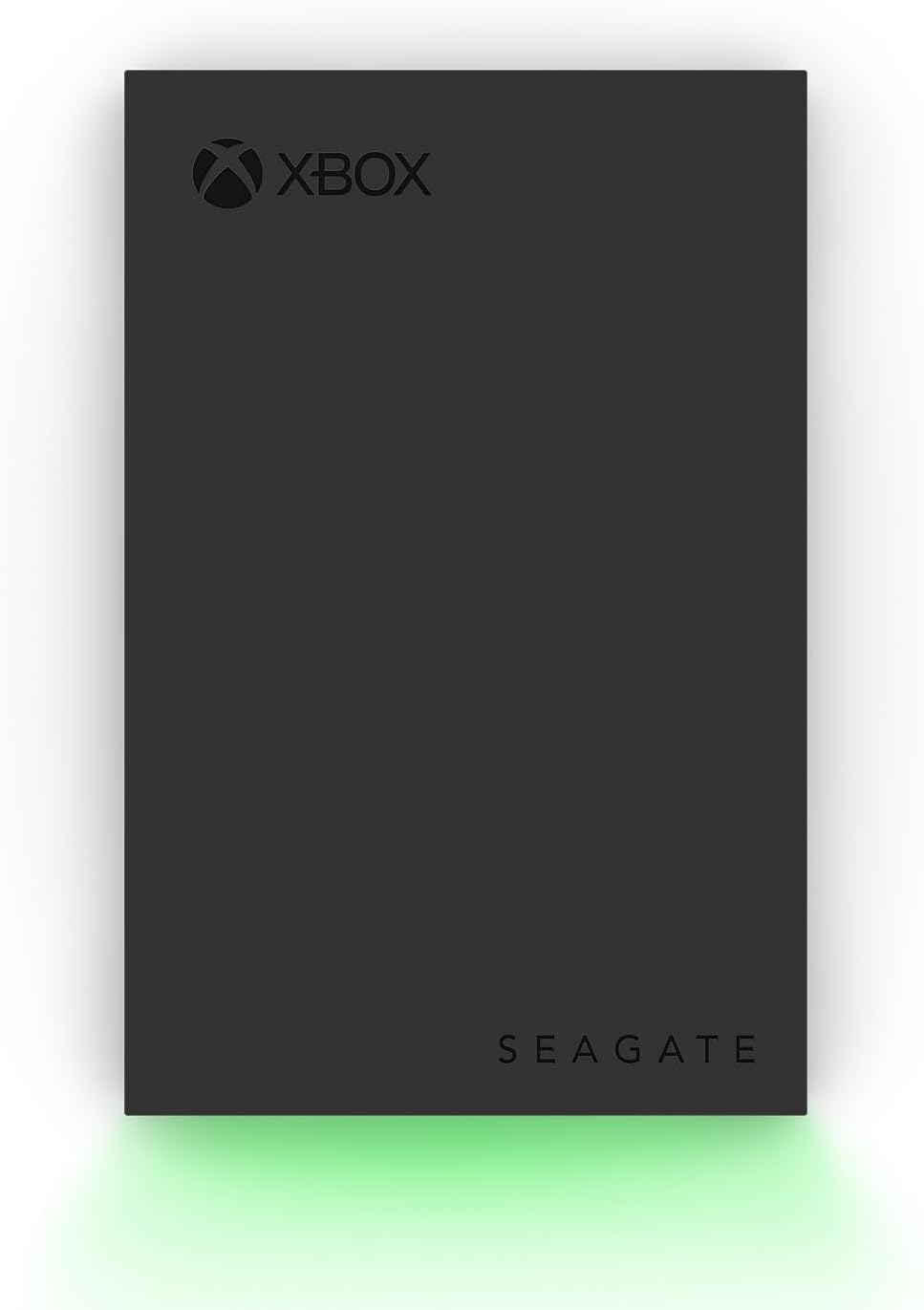
Top Pick: WD Black P10 Game Drive or Seagate External Game Drive.
View WD P10 External Game Drive 6TB
View Seagate External Game Drive 2TB
What storage do you currently use with your Xbox and is it working well for storing your back log of games?